All vending machines in one app
Discover vending machines near you in a clear list. Use the search function to find vending machines or menu items, or filter by category to find exactly what you're after.

Search by vending machine or menu item, filter and discover new machines near you. See what's on offer, check stock and get notified — all in one place.


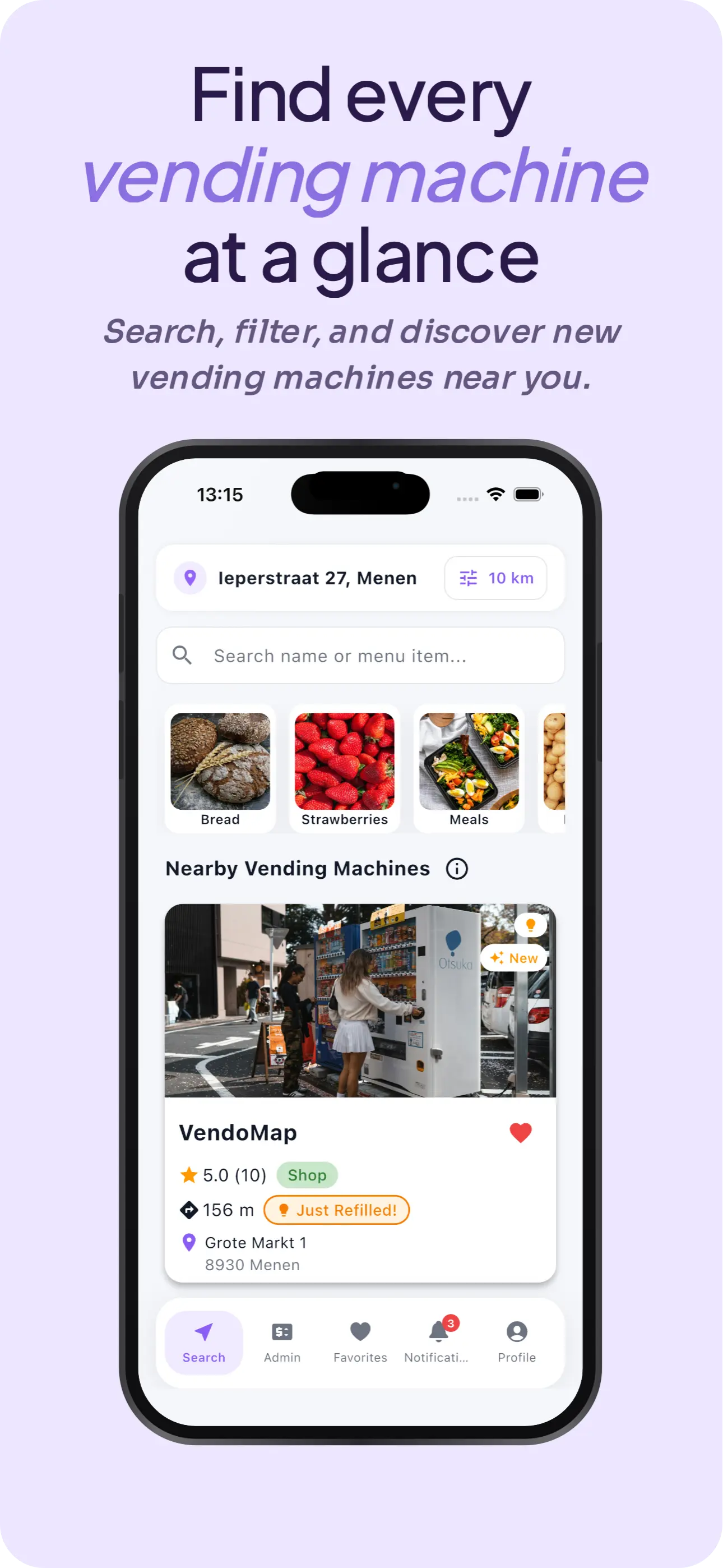
Discover vending machines near you in a clear list. Use the search function to find vending machines or menu items, or filter by category to find exactly what you're after.
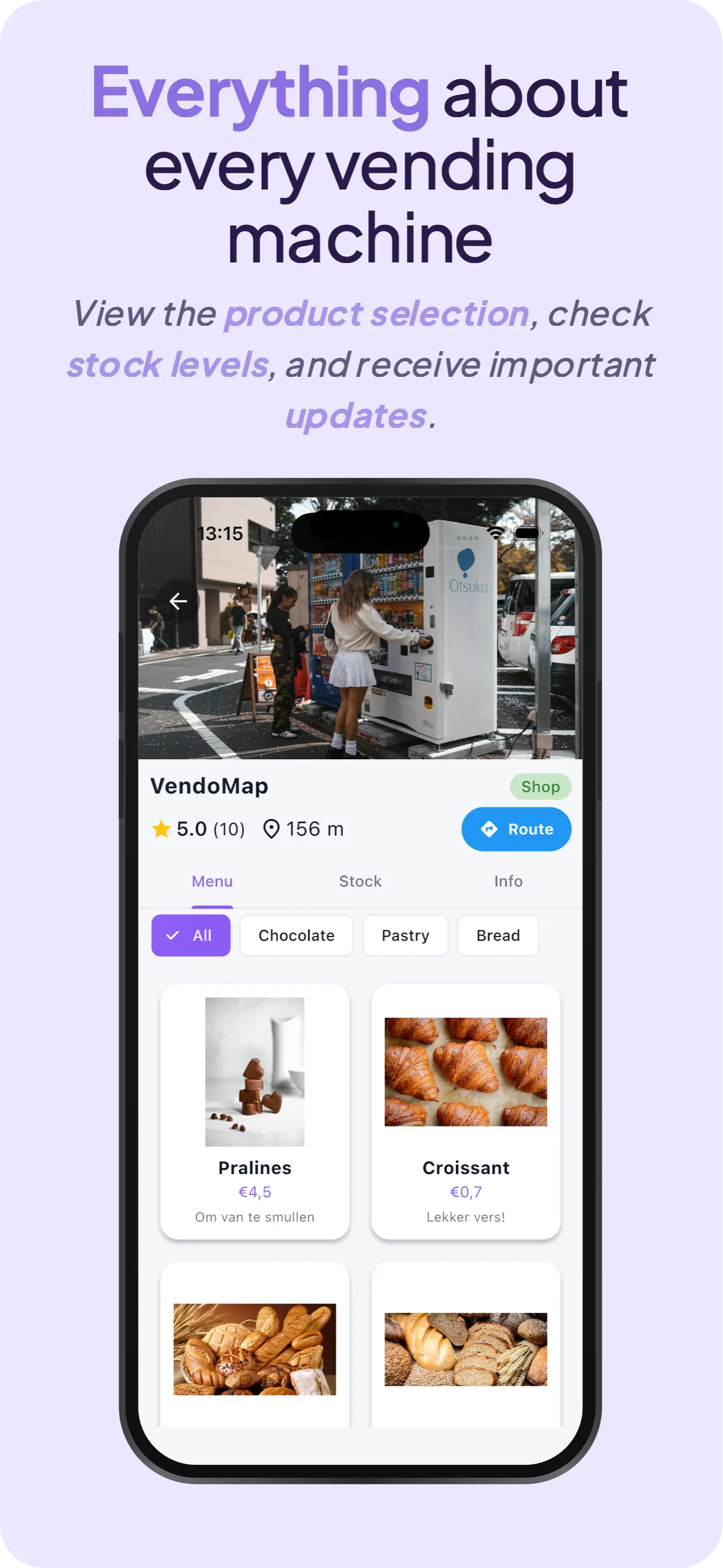
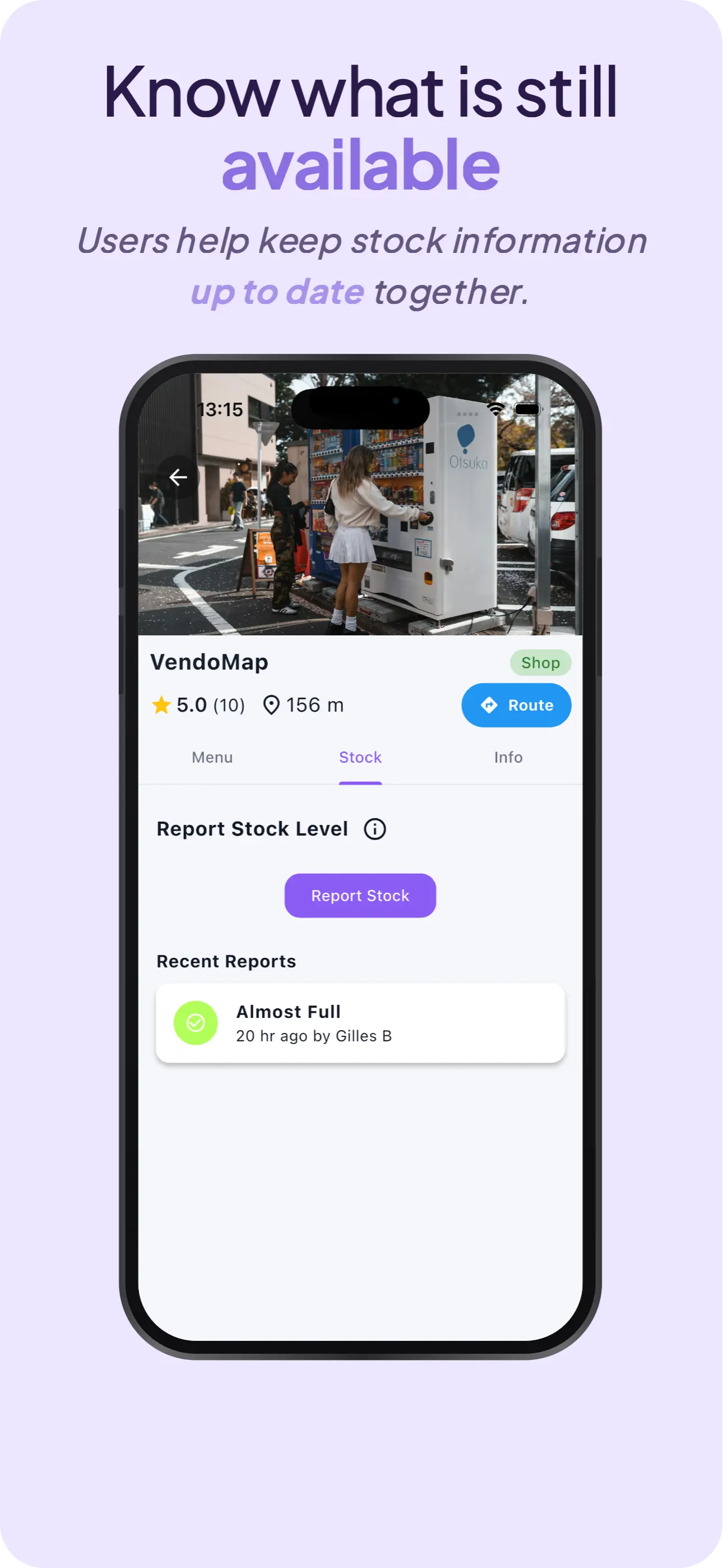
View the full offering and know what's still in stock — kept up to date by the community.
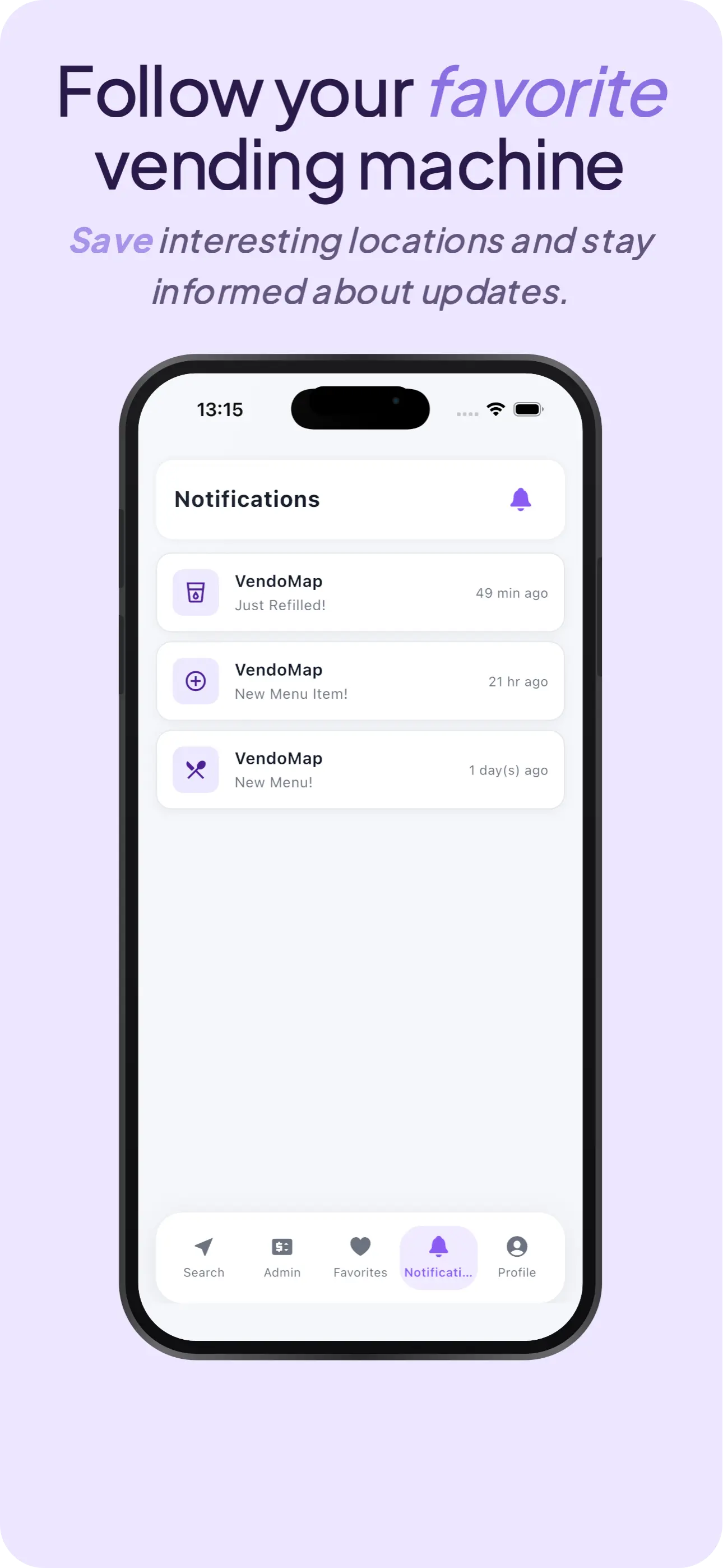
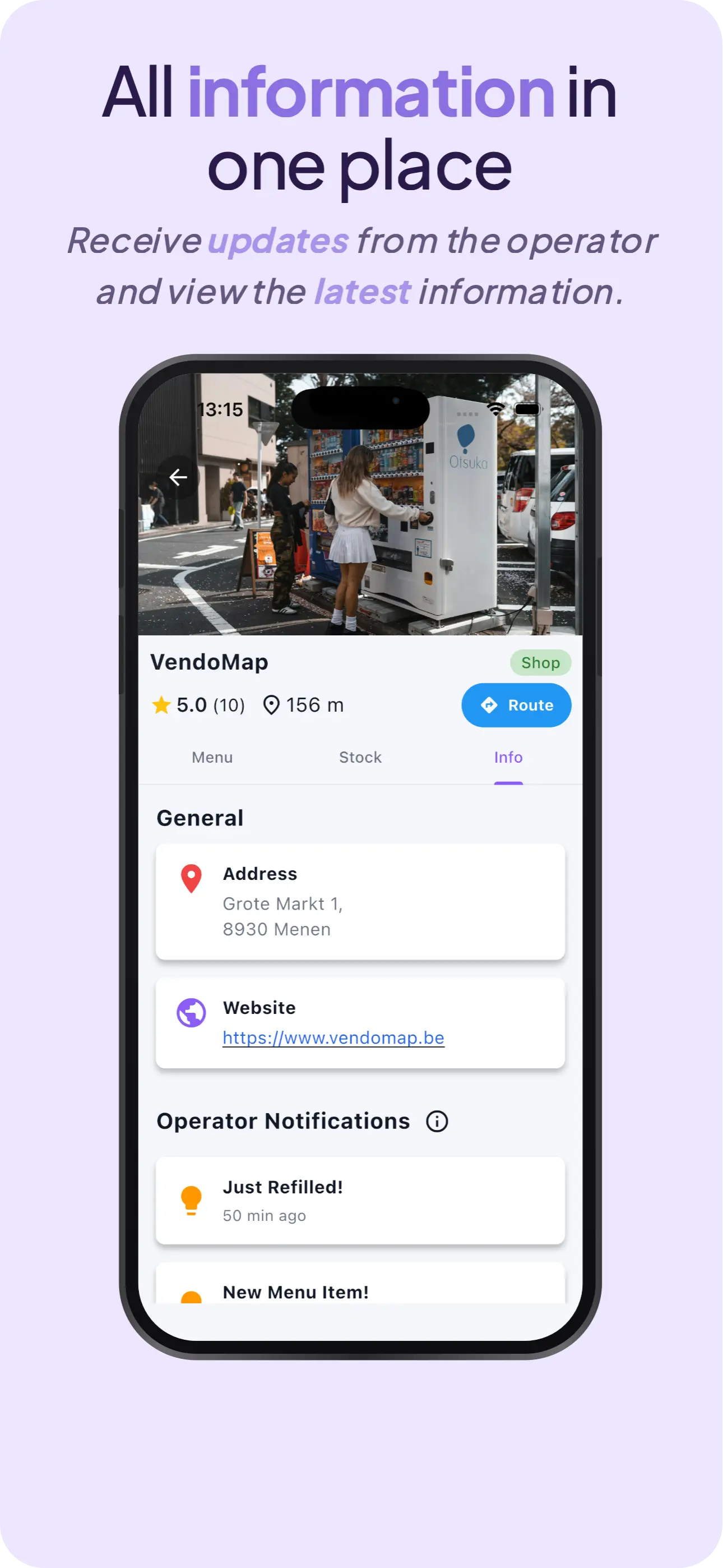
Follow your favourites and stay in the loop about new items, opening hours and updates from the operator.
Put your vending machines on the map at no cost. No subscription, no hidden hurdles.
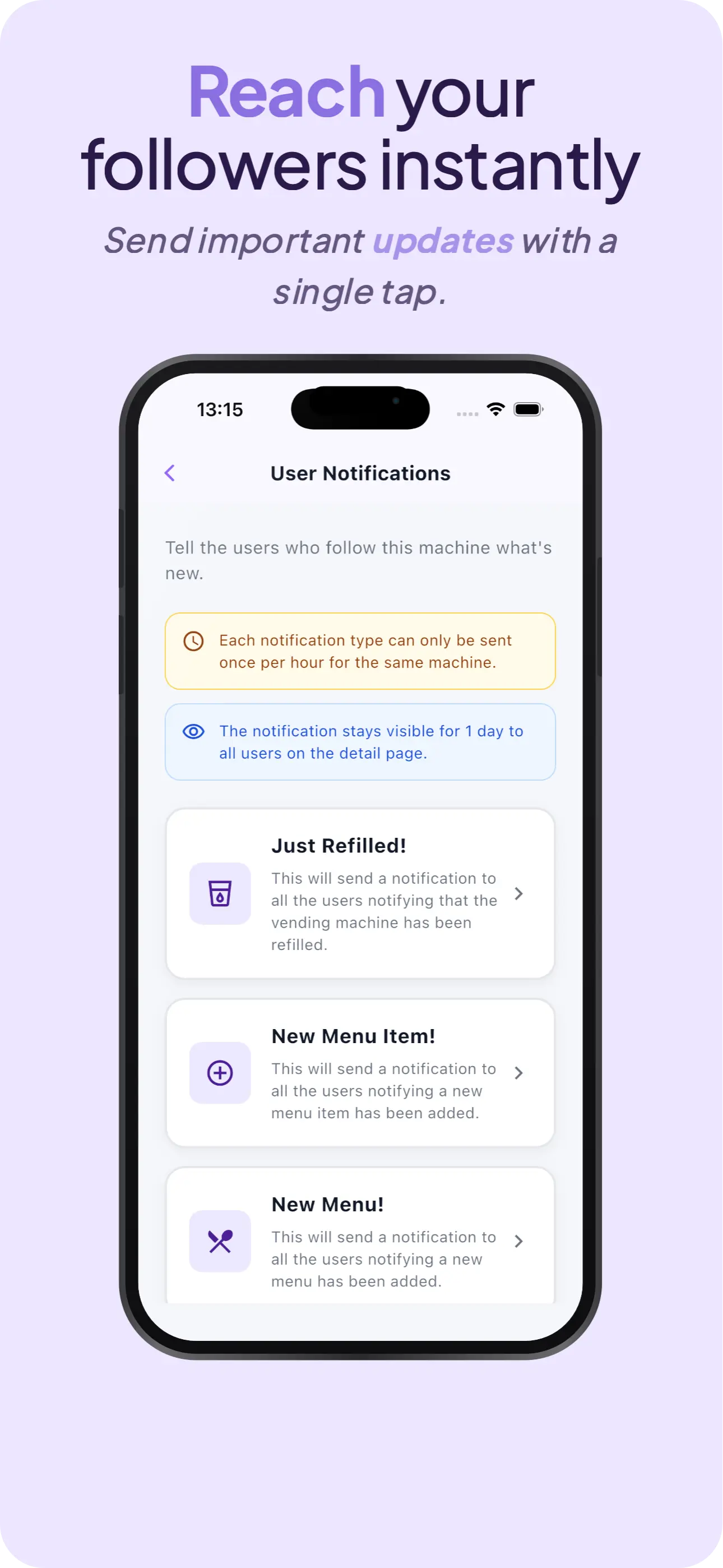
Share updates, opening hours and new offerings directly with the people who follow your machine.
Reach your regulars straight on their phone — no ads, no noise, just relevant updates.
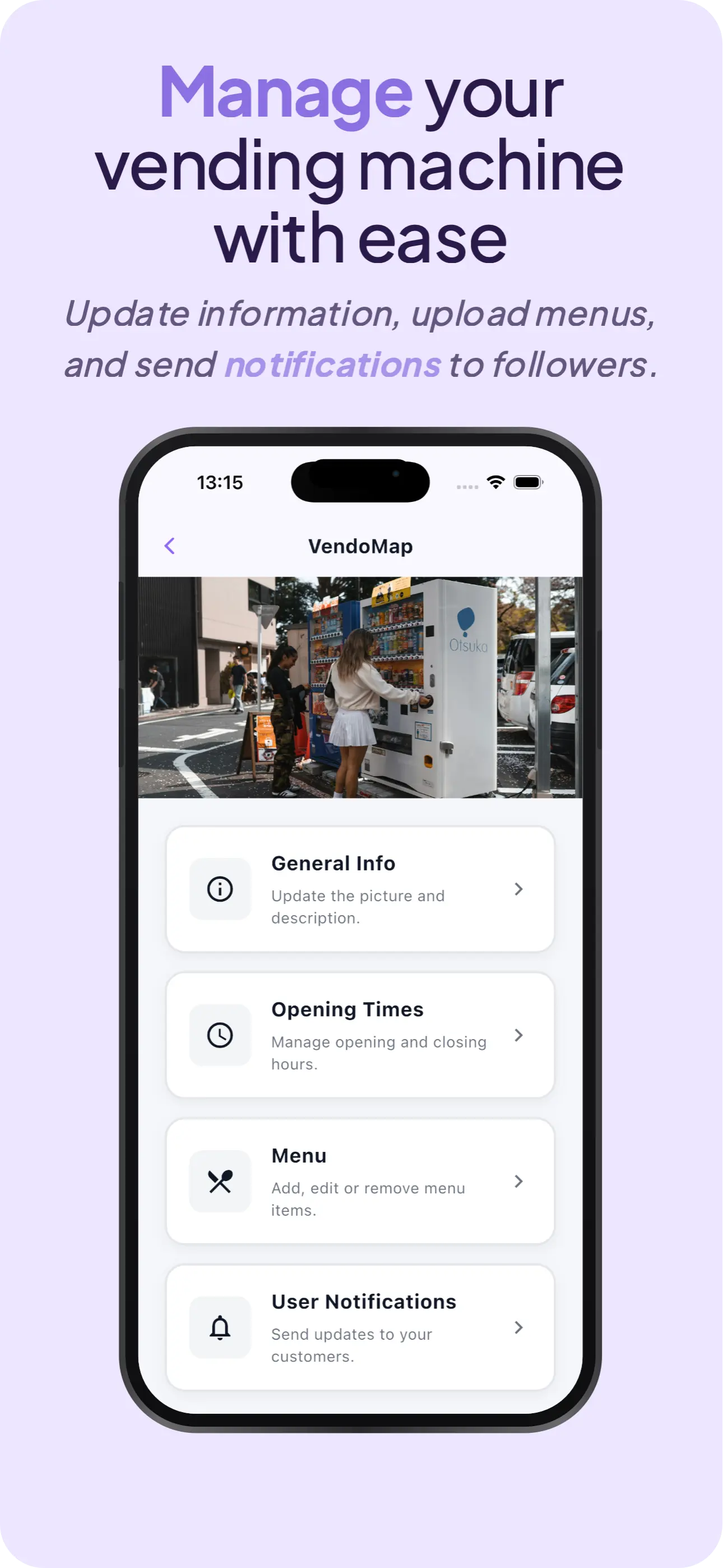
Manage info, photos, menu and opening hours from your phone. No extra dashboard, no extra login.
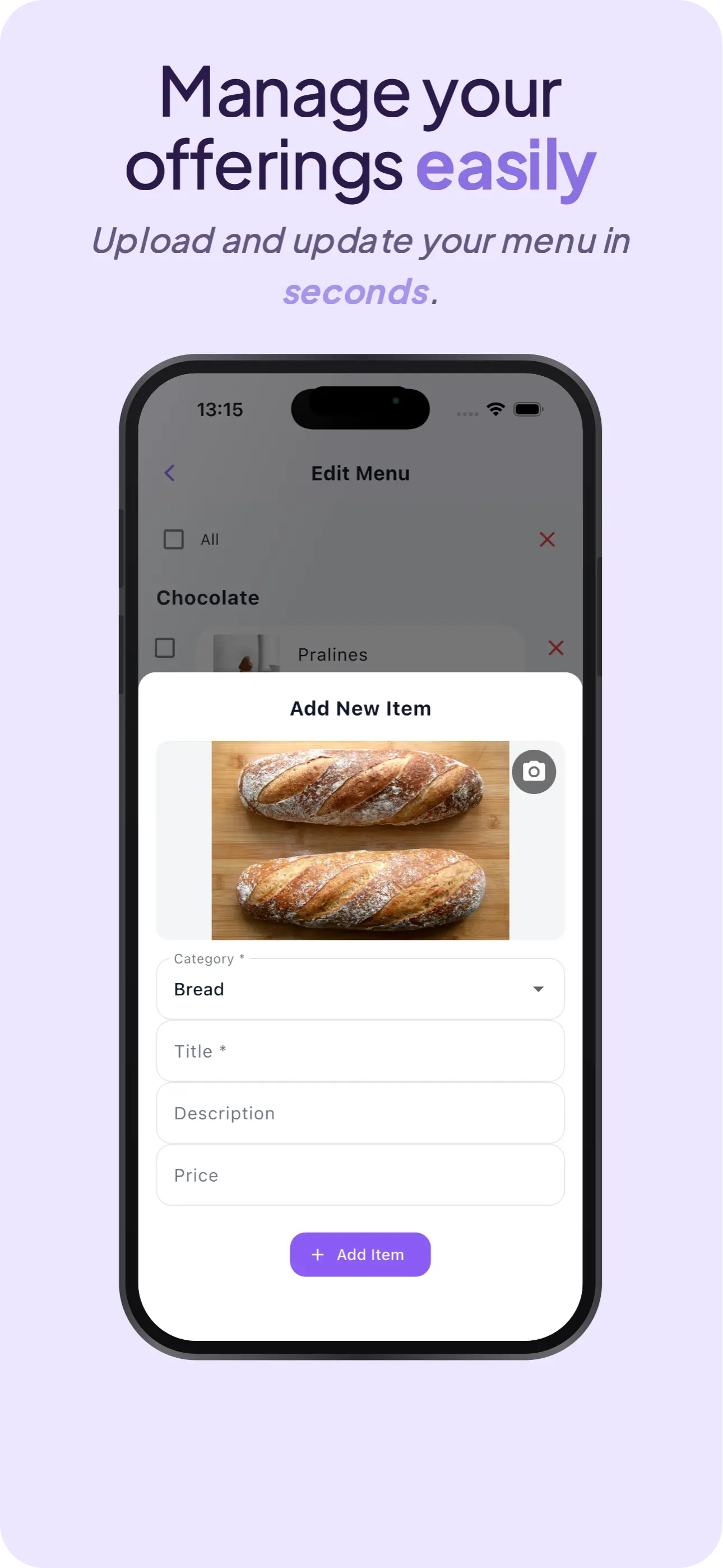
VendoMap shows every machine close to your location. Search by vending machine or menu item, filter by category — bread vending machine, fruit vending machine, meal vending machine, shop vending machine, potato vending machine — and discover the menu and stock.
Active in Menen, Kortrijk, Ghent, Antwerp, Brussels and across Belgium.
Questions we get often — answered clearly.
VendoMap already lists over 400 vending machine locations across Belgium. Our mission is to make every vending machine findable in one app.
That only works when operators claim and add their machines. On top of that, we're actively scouting new machines and adding them to the catalogue.
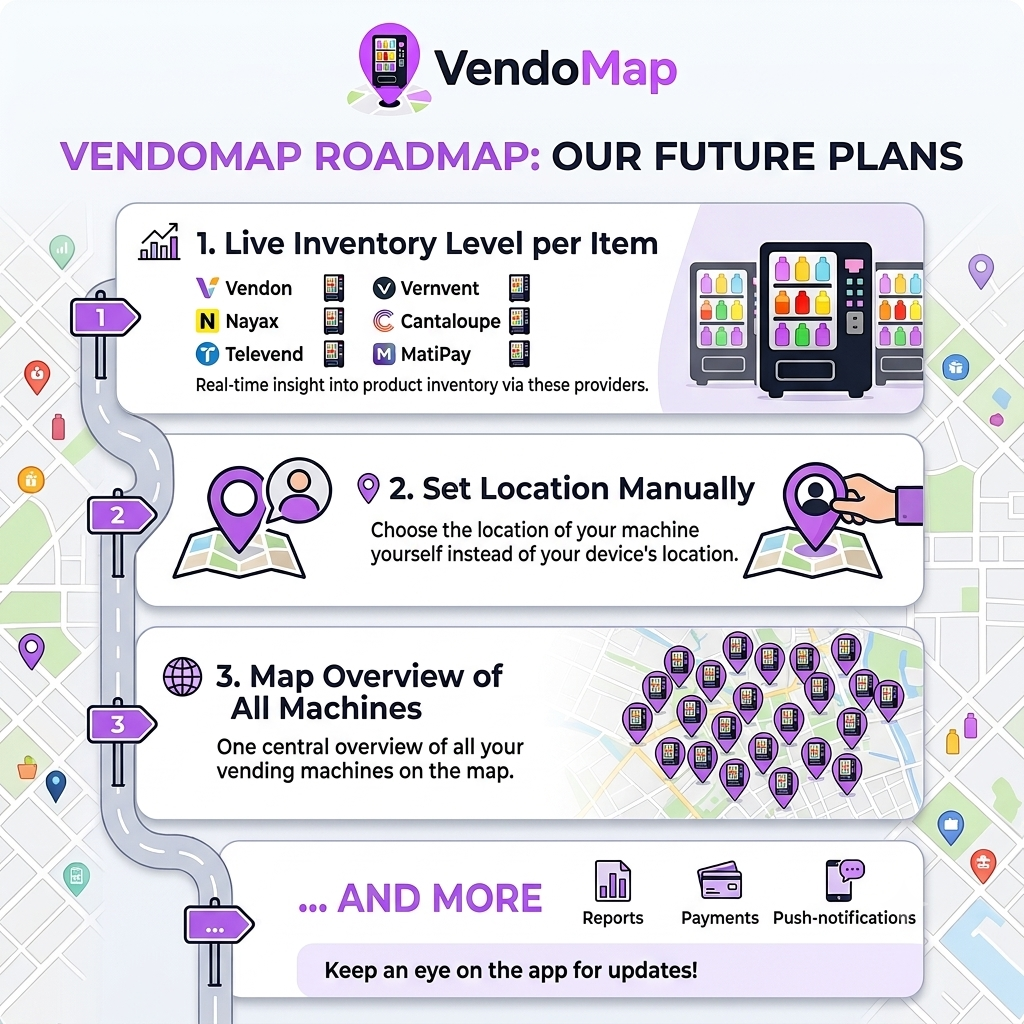
See what's coming — new features and improvements.
Download VendoMap now from the App Store or Google Play.
Download the app